

Features for engineering planning and project controls
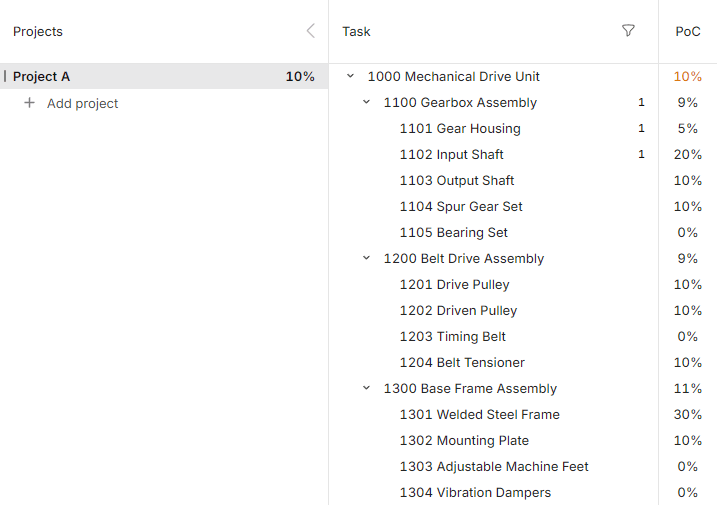
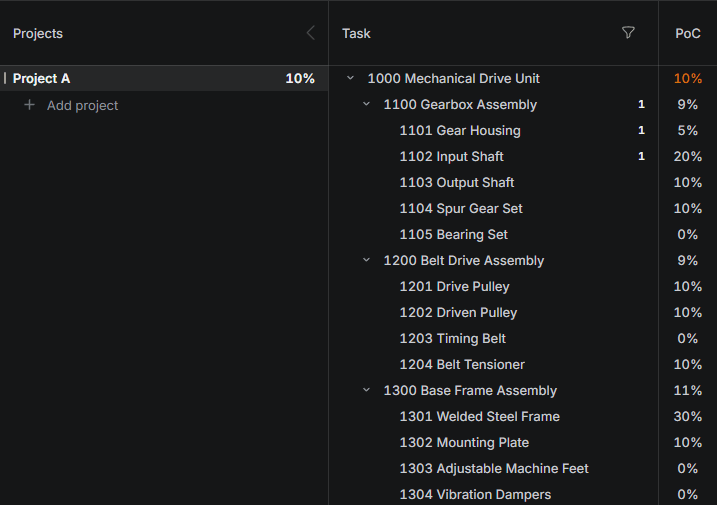
Deliverable / Project Structure
Create a clear hierarchy of deliverables, work packages, components, modules, areas, documents, assets, supplier packages or scopes. The structure stays visible while the timeline is planned and updated.
- PBS-style project items and parent items
- Deliverables, assemblies, zones, assets or packages
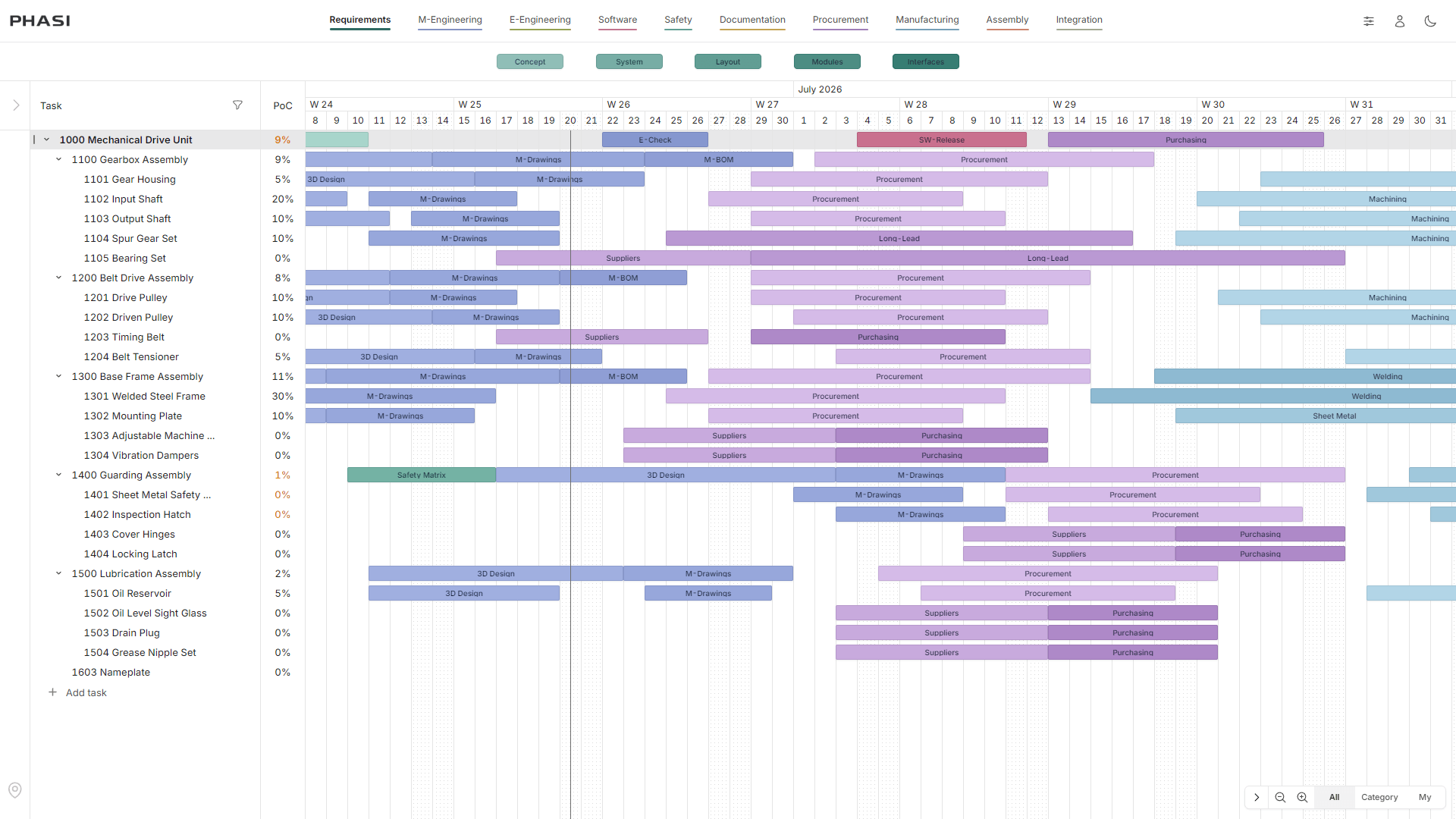
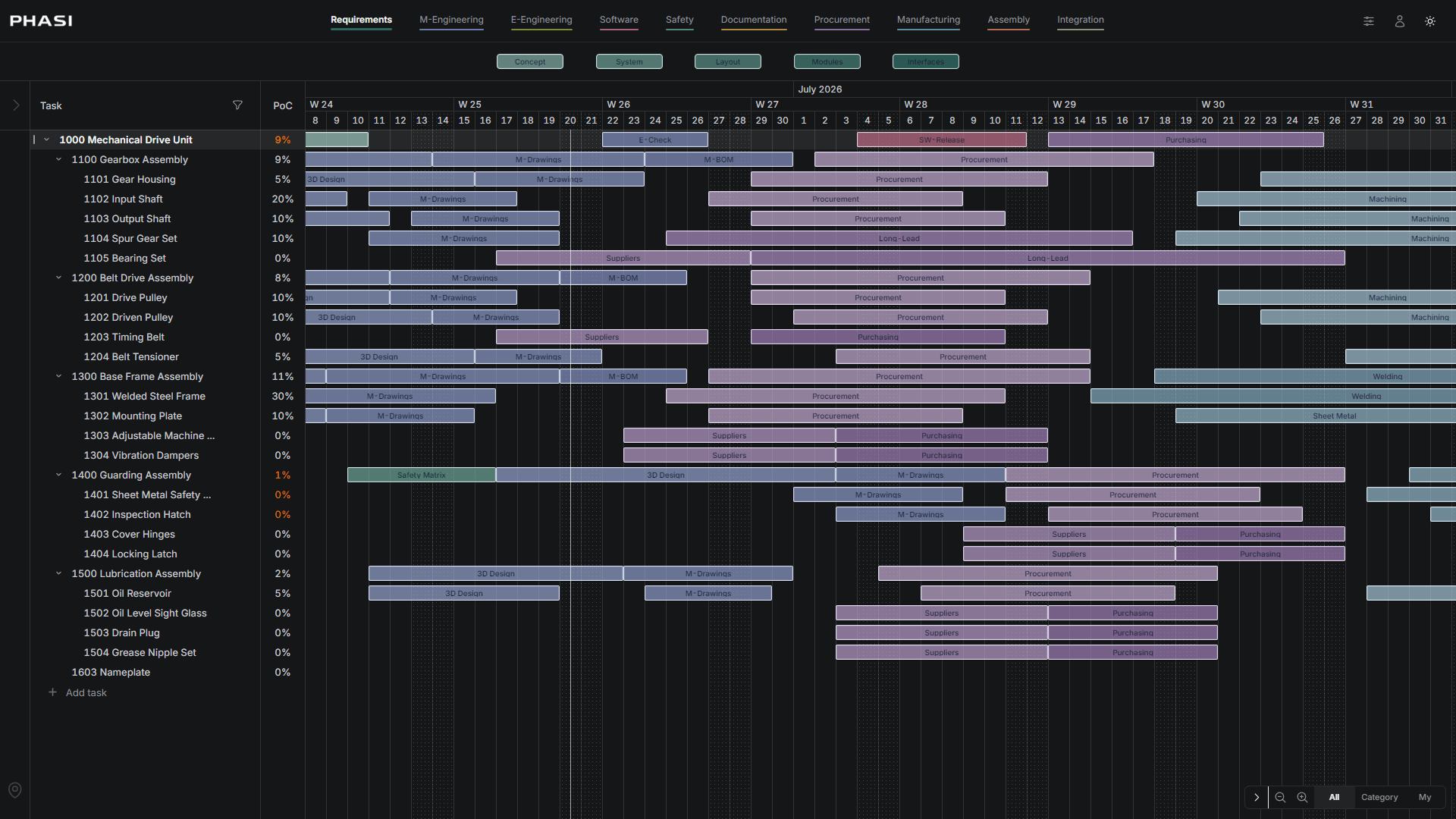
Phase Timeline
Define reusable phase categories and apply them across project items. Model engineering, procurement, construction, manufacturing, review, testing, approval, delivery or handover as visible timeline bars.
- Reusable phase categories
- Phase bars per project item
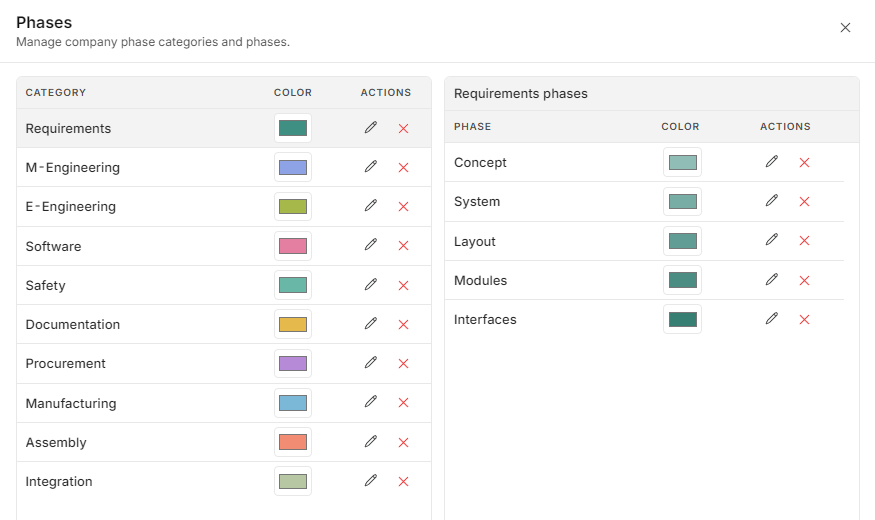
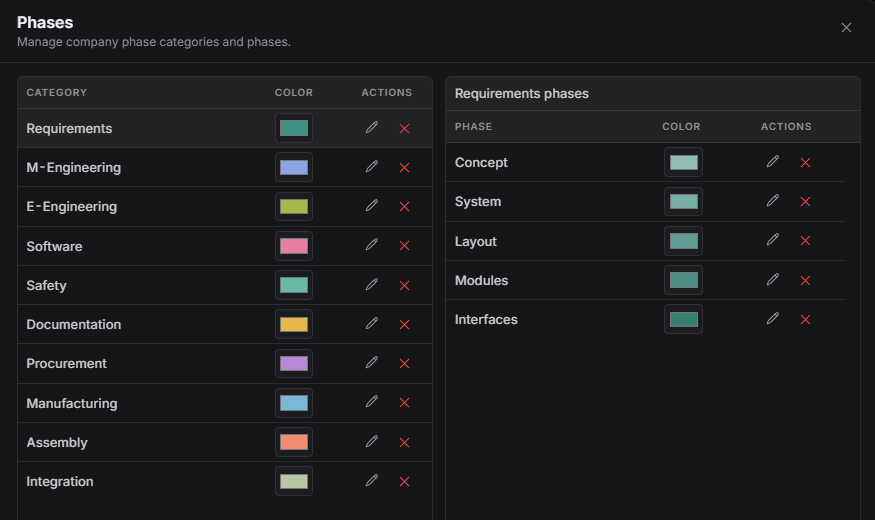
Calculated Percent of Completion
Calculate completion from project structure, relevant phase bars, category weights and completed work. Progress follows the configured planning model instead of a detached status field.
- Weighted phase categories
- Relevant phase completion
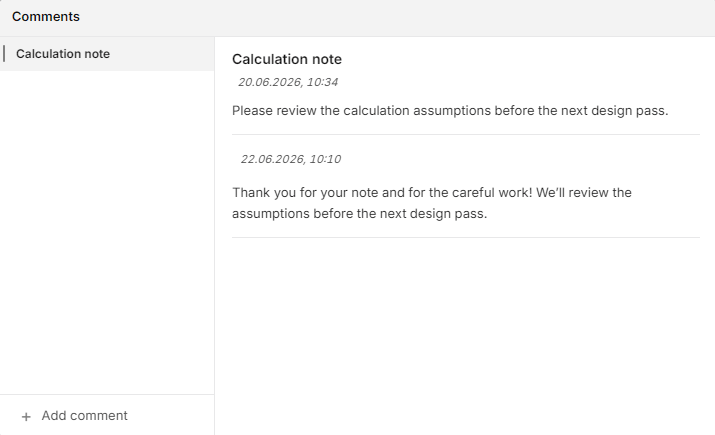
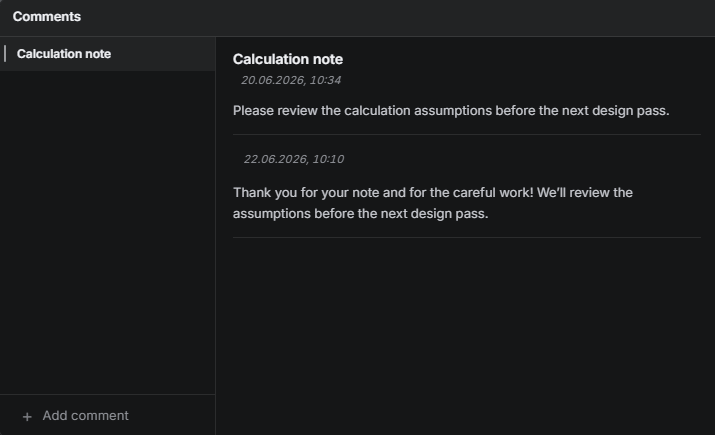
Timeline Comments
Open a phase bar, start a topic and keep decisions tied to the exact deliverable or work item, phase, owner and date.
- Comments attached to phase context
- Questions and decisions in one place
Project Updates
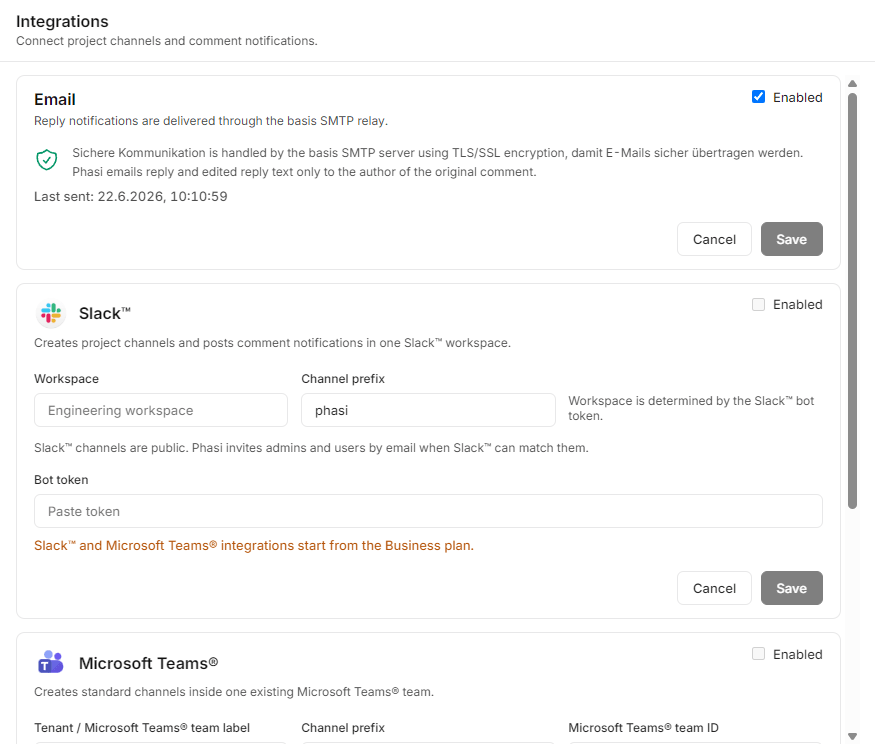
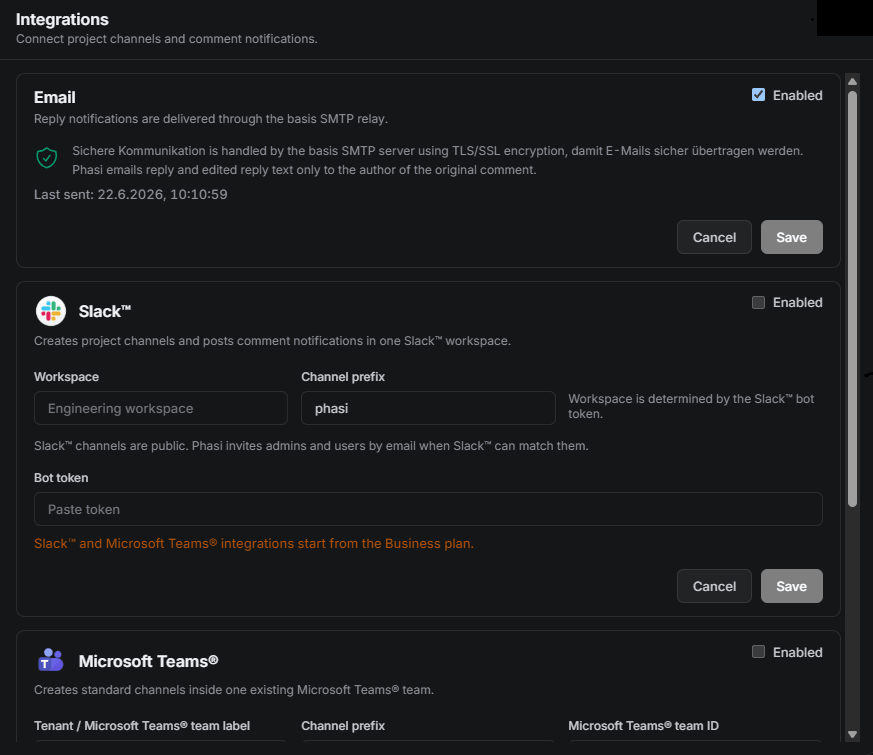
Send selected project and comment updates to Email, Slack or Microsoft Teams while PHASI remains the source of project context.
- Selected update sharing
- Email, Slack and Teams direction
Project History
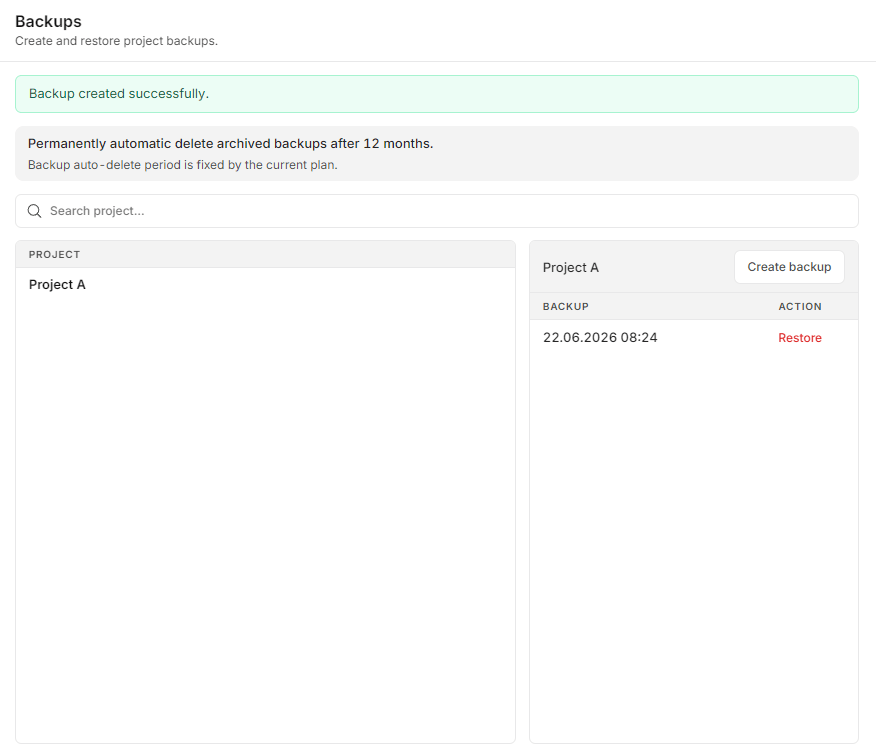
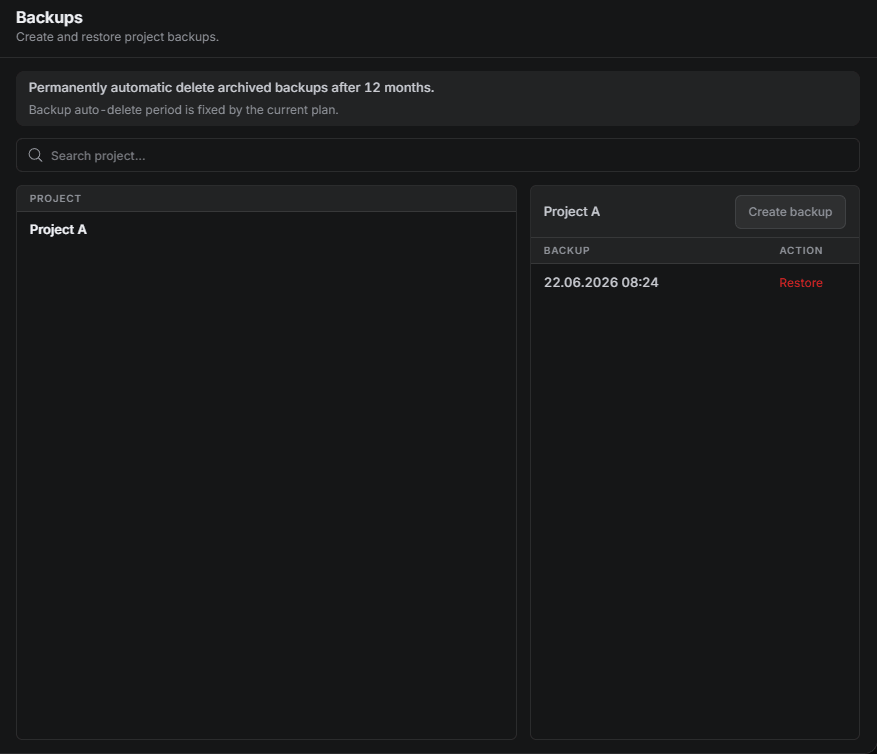
Create project-level snapshots and keep project history aligned with project controls, audits and internal retention.
- Project-level snapshots
- Archive-ready planning history
Time Tracking
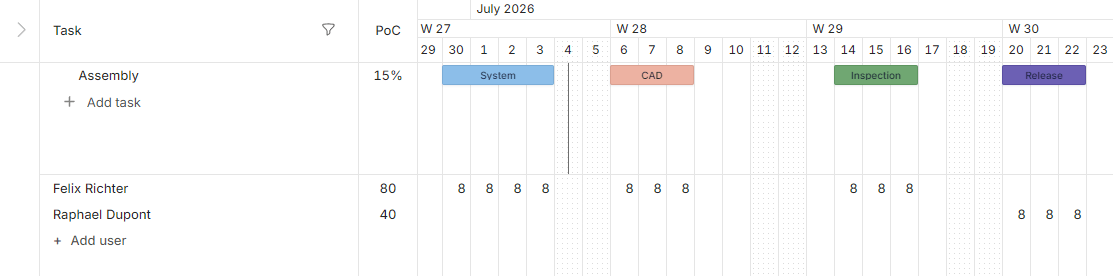
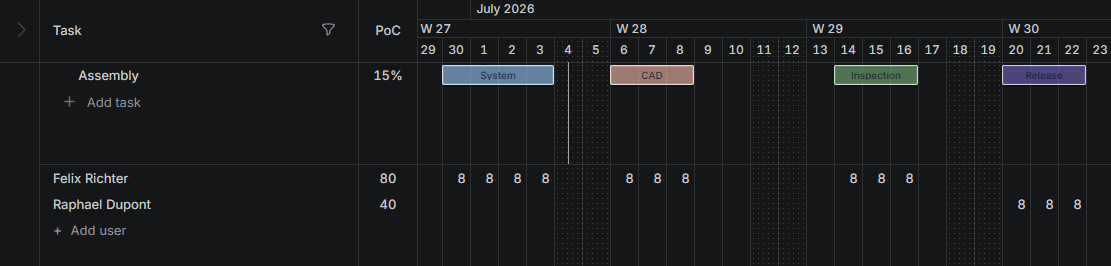
Track employee work hours directly in the project timeline.
- Track hours by user and day
Explore a planning model built for project controls
See how PHASI connects project structure, reusable phases, calculated completion and timeline comments in one professional workspace.