

Features for engineering planning and project controls
Deliverable / Project Structure
Create a clear hierarchy of deliverables, work packages, components, modules, areas, documents, assets, supplier packages or scopes. The structure stays visible while the timeline is planned and updated.
- PBS-style project items and parent items
- Deliverables, assemblies, zones, assets or packages
- Work phases connected to structure
- Readable planning context for project teams and controls
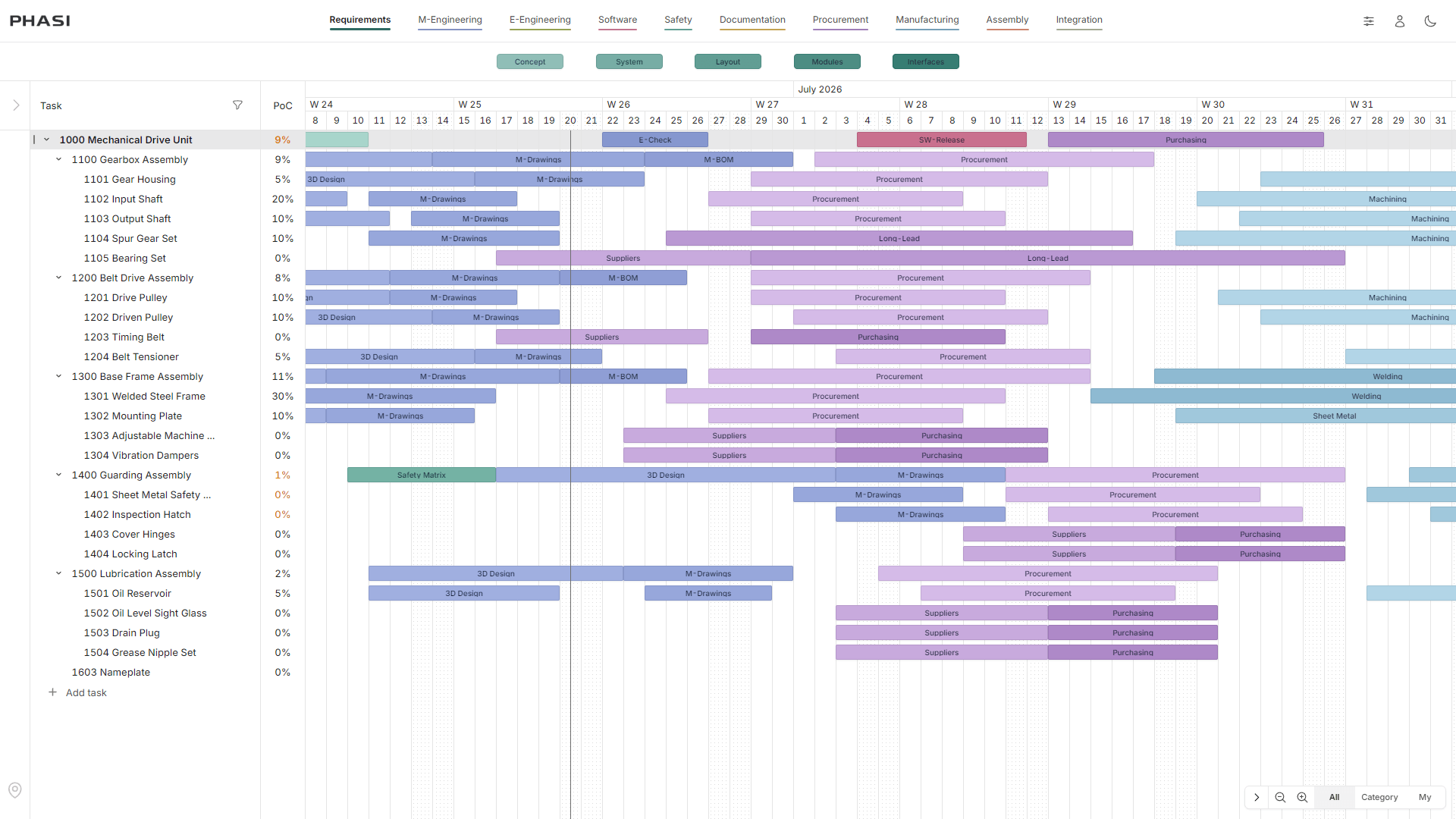
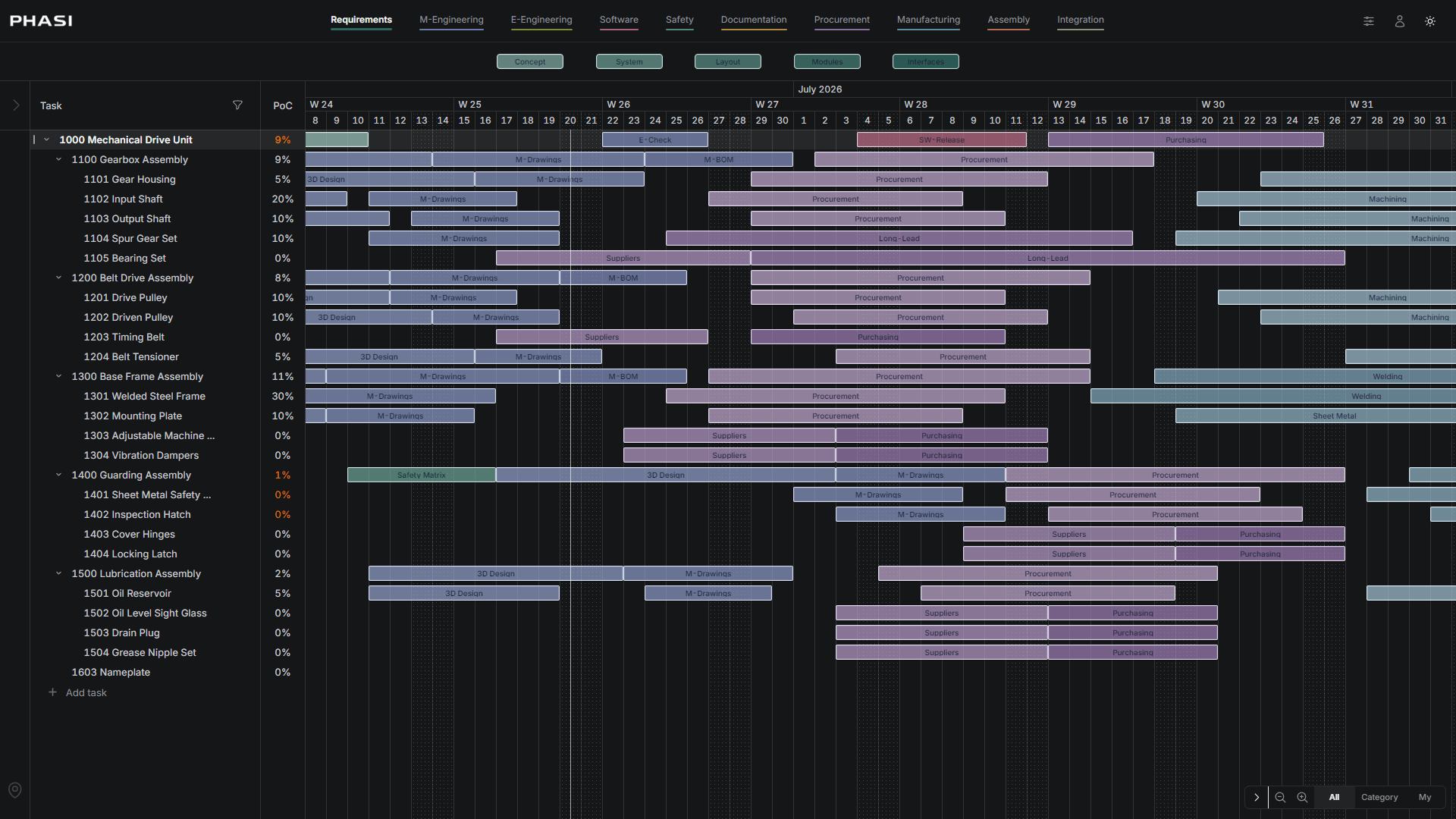
Phase Timeline
Define reusable phase categories and apply them across project items. Model engineering, procurement, construction, manufacturing, review, testing, approval, delivery or handover as visible timeline bars.
- Reusable phase categories
- Phase bars per project item
- Custom workflow and approval steps
- Timeline view for planned work packages
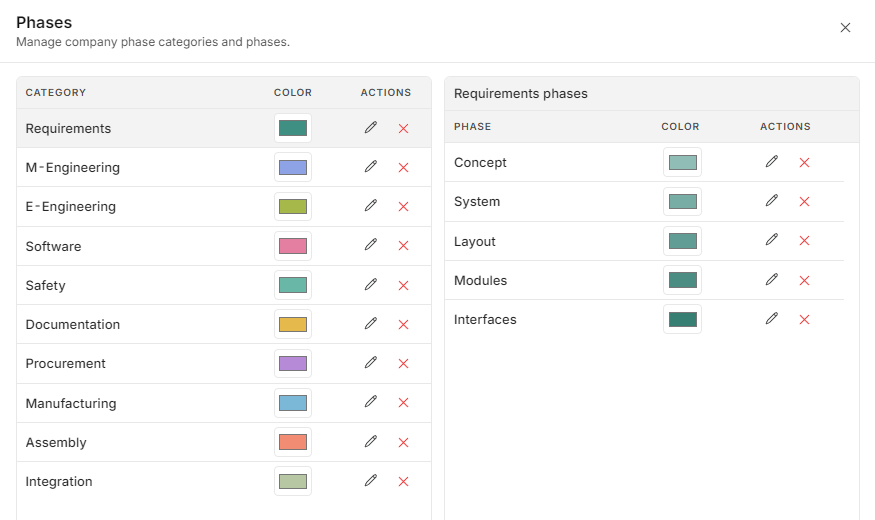
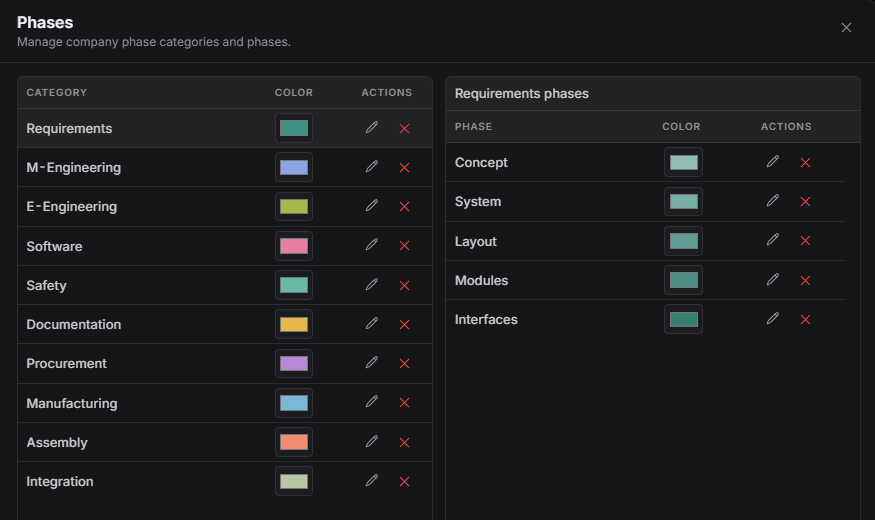
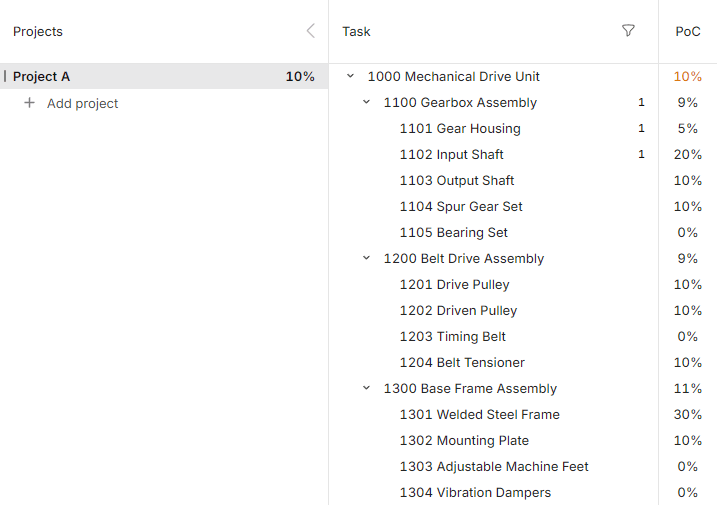
Calculated Percent of Completion
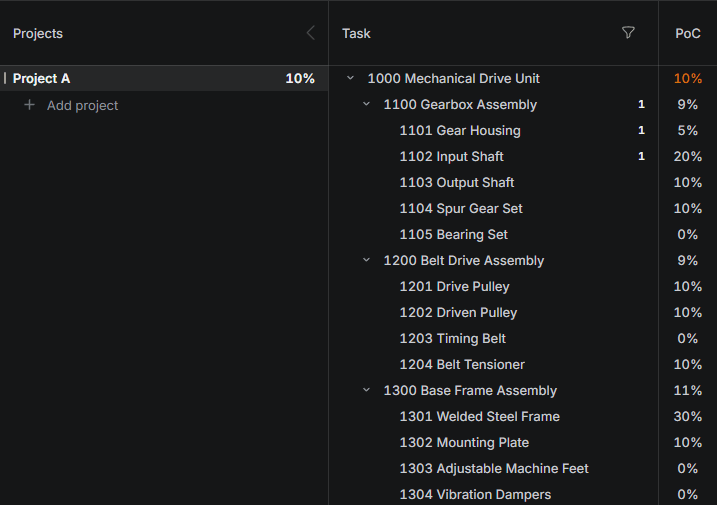
Calculate completion from project structure, relevant phase bars, category weights and completed work. Progress follows the configured planning model instead of a detached status field.
- Weighted phase categories
- Relevant phase completion
- Item, parent and project-level roll-up
- Less arbitrary than manual status percentages
Timeline Comments
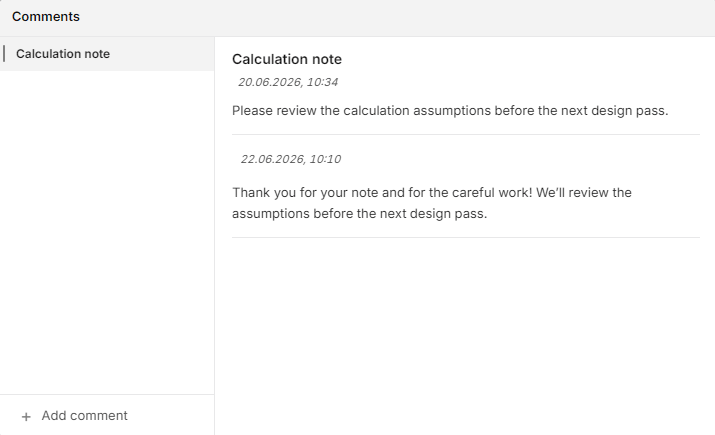
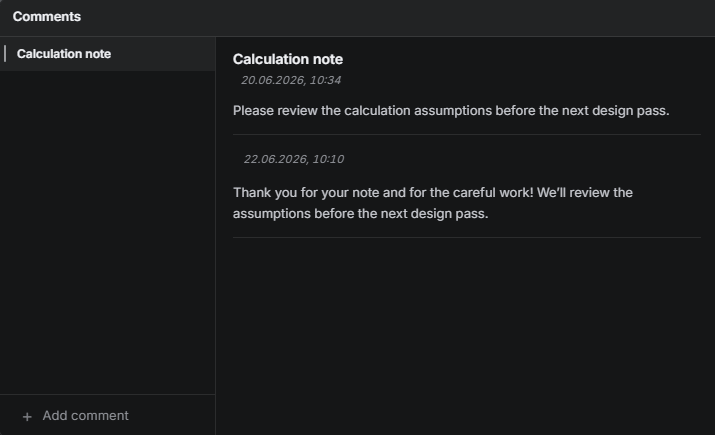
Open a phase bar, start a topic and keep decisions tied to the exact deliverable or work item, phase, owner and date.
- Comments attached to phase context
- Questions and decisions in one place
- Timeline-aware project discussion
- Review what changed and why
Project Updates
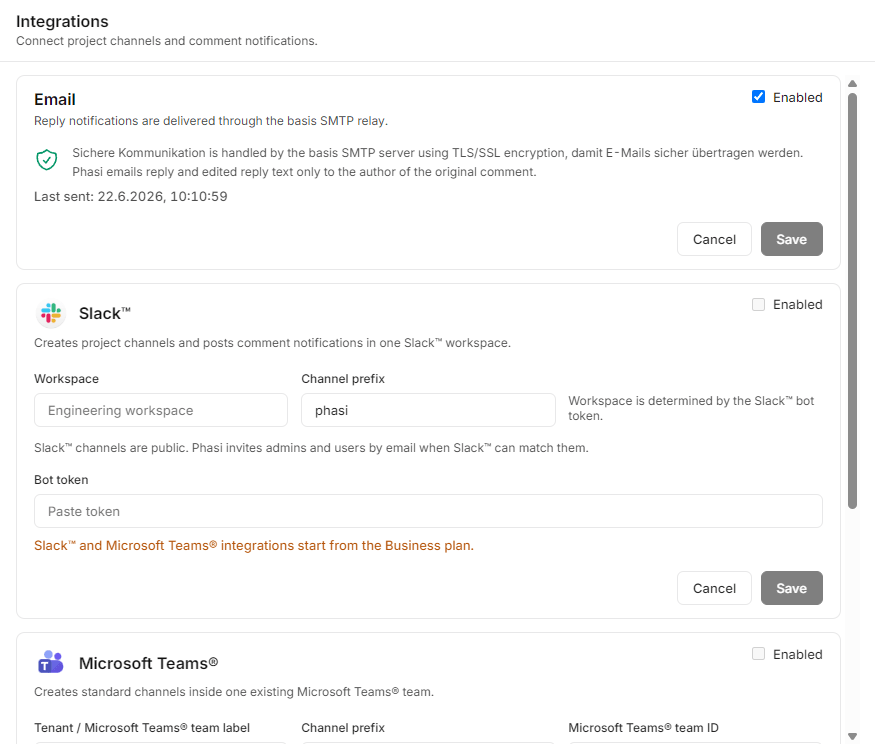
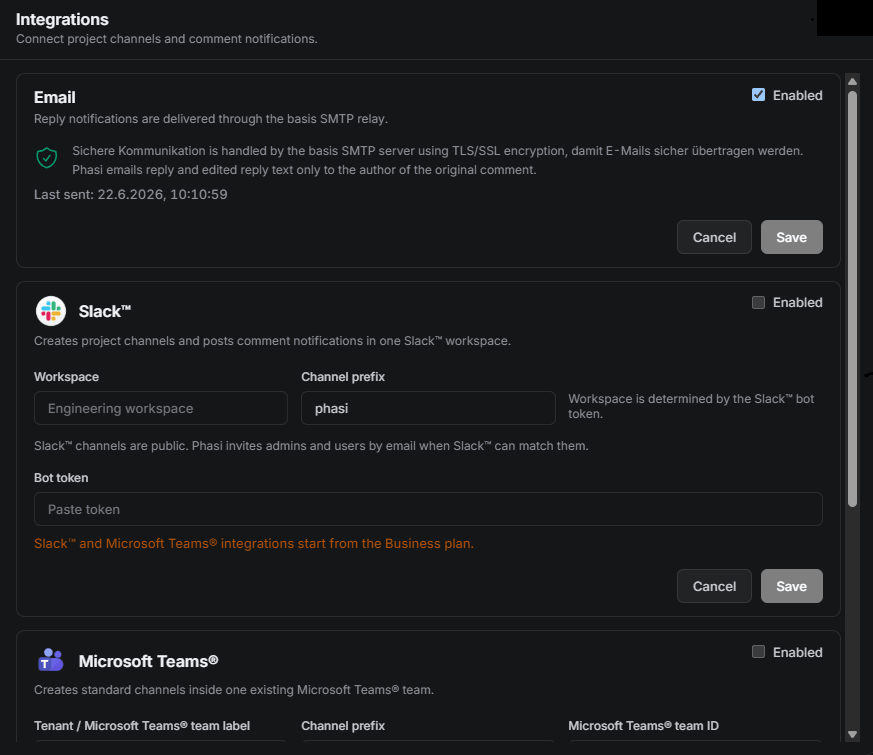
Send selected project and comment updates to Email, Slack or Microsoft Teams while PHASI remains the source of project context.
- Selected update sharing
- Email, Slack and Teams direction
- Project workspace remains the source
- Useful signal without every draft becoming a notification
Project History
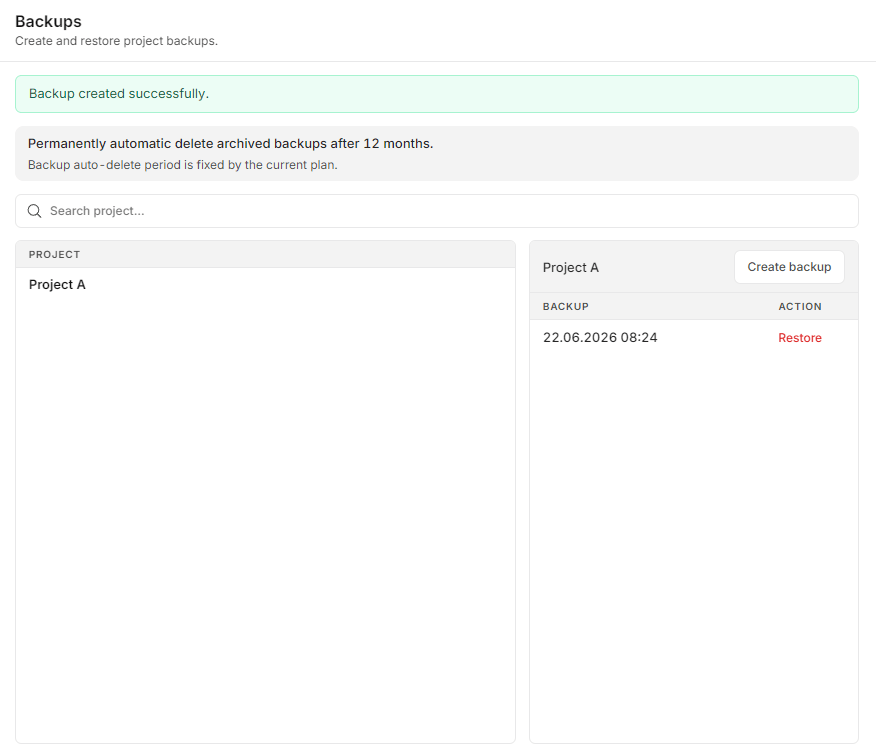
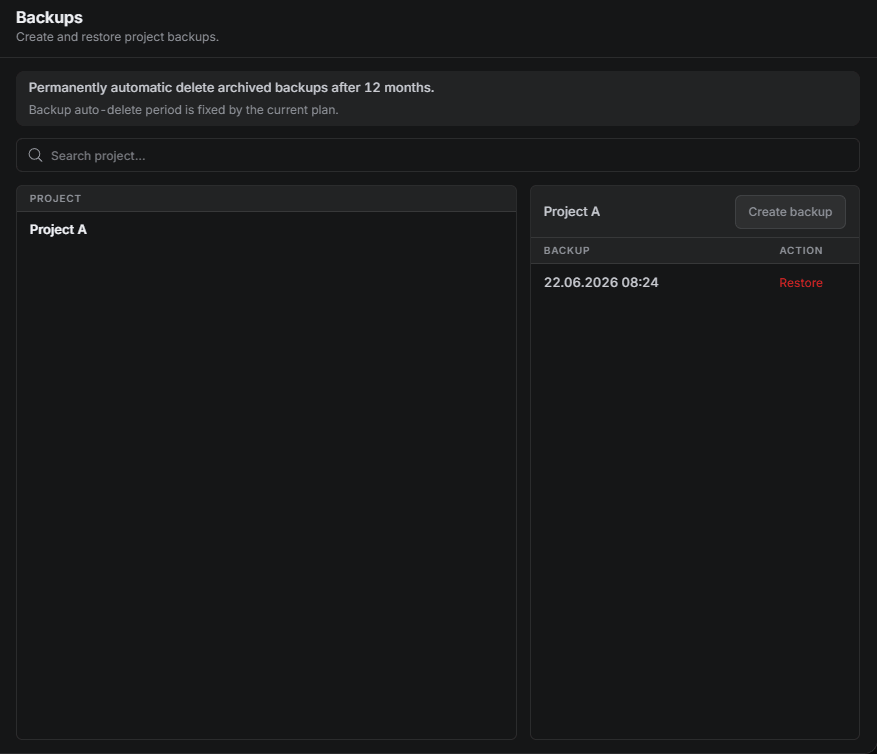
Create project-level snapshots and keep project history aligned with project controls, audits and internal retention.
- Project-level snapshots
- Archive-ready planning history
- Progress context over time
- Clear review of planning changes
Time Tracking
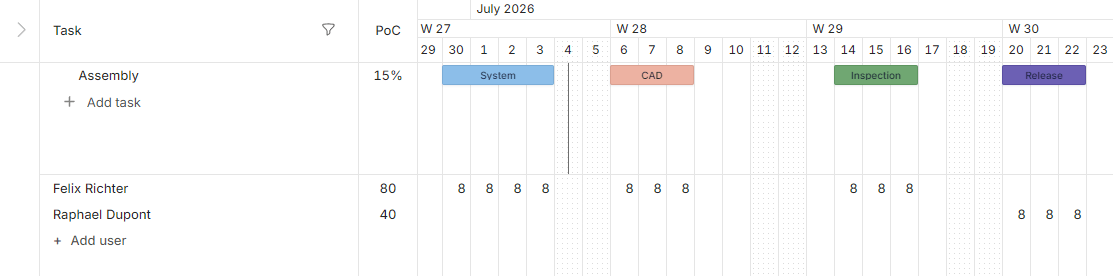
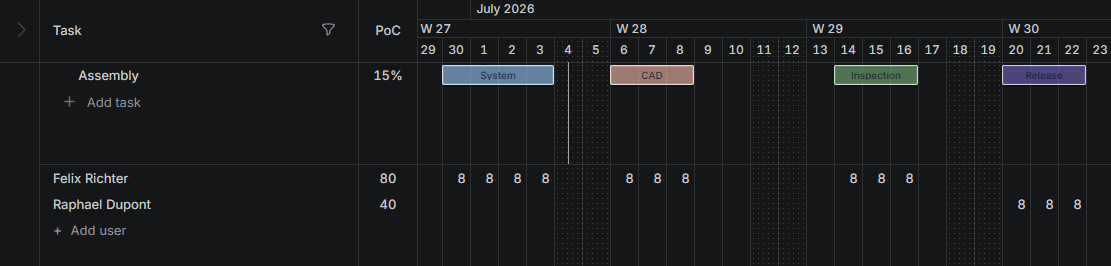
Track employee work hours directly in the project timeline.
- Track hours by user and day
Explore a planning model built for project controls
See how PHASI connects project structure, reusable phases, calculated completion and timeline comments in one professional workspace.